 Overvue
A savings goal tracker that tells you if you're on pace
An emergency fund, a trip, a deposit, a new laptop. Give each goal a target and Overvue shows how far along you are, what's left and what to put aside each month.
See it in the app
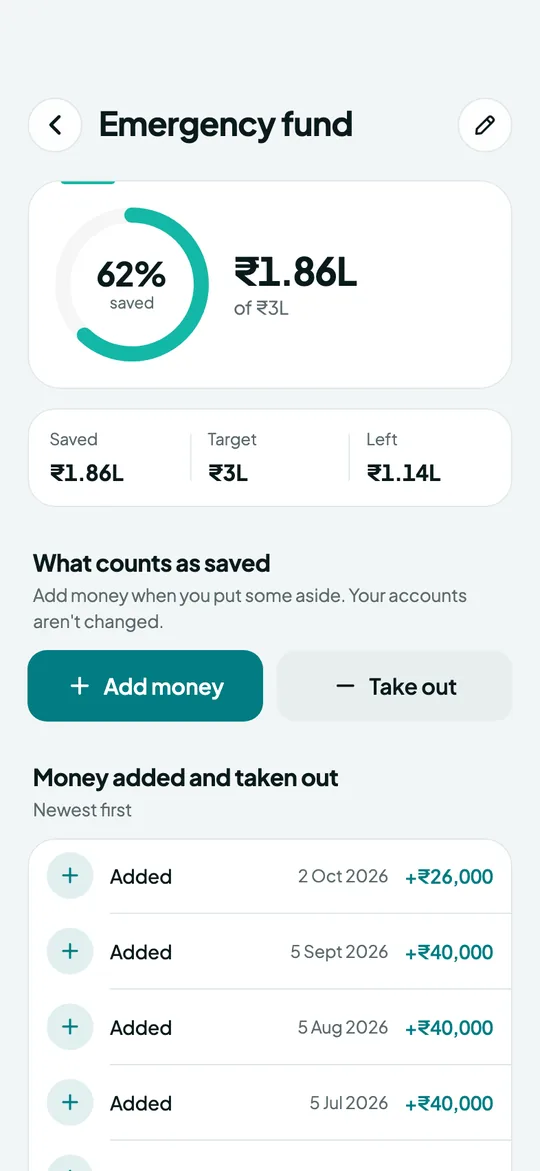
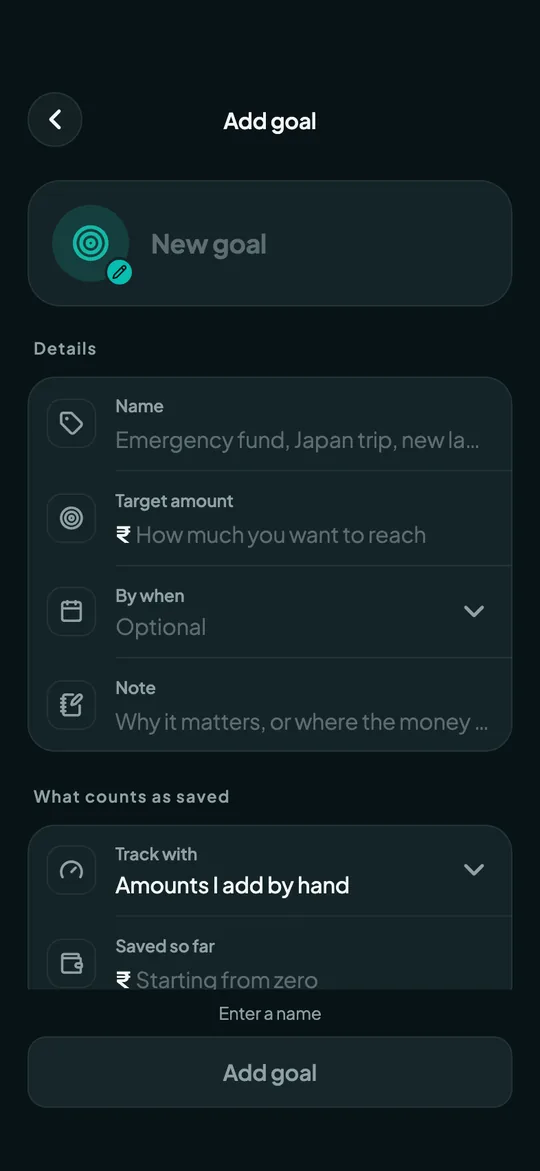
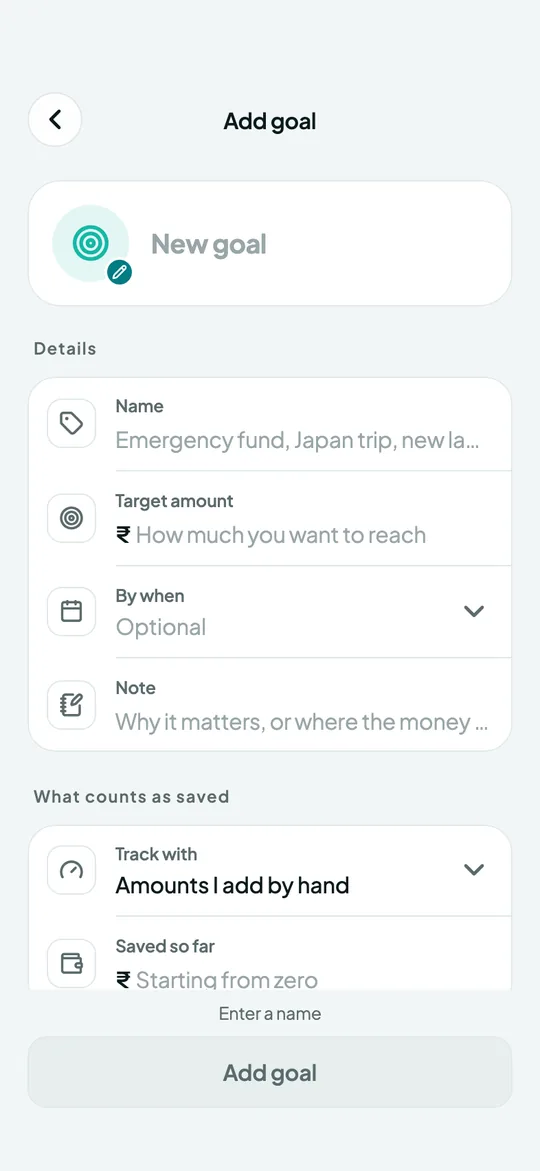
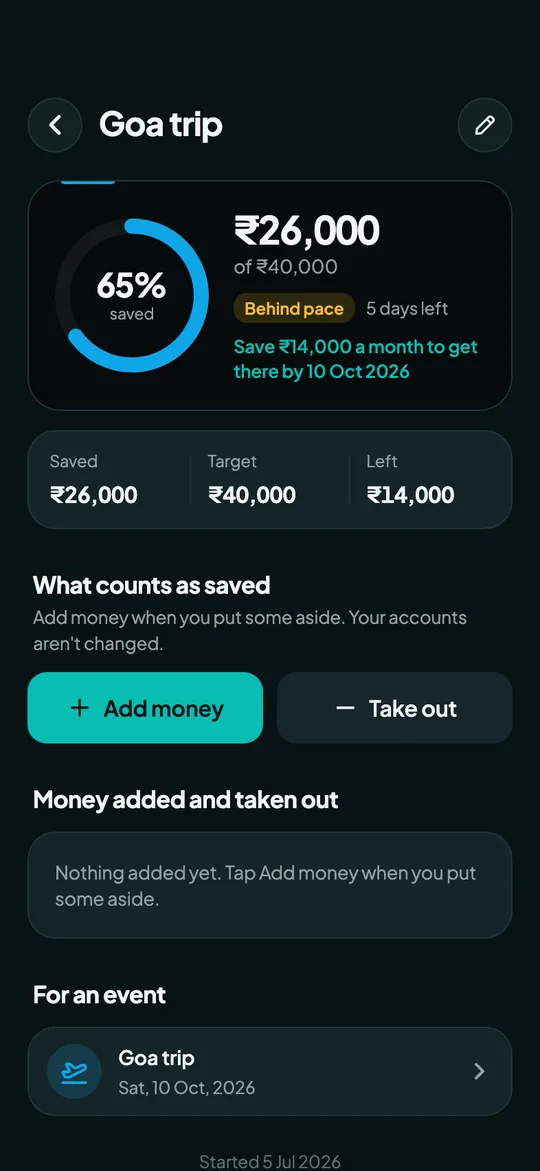
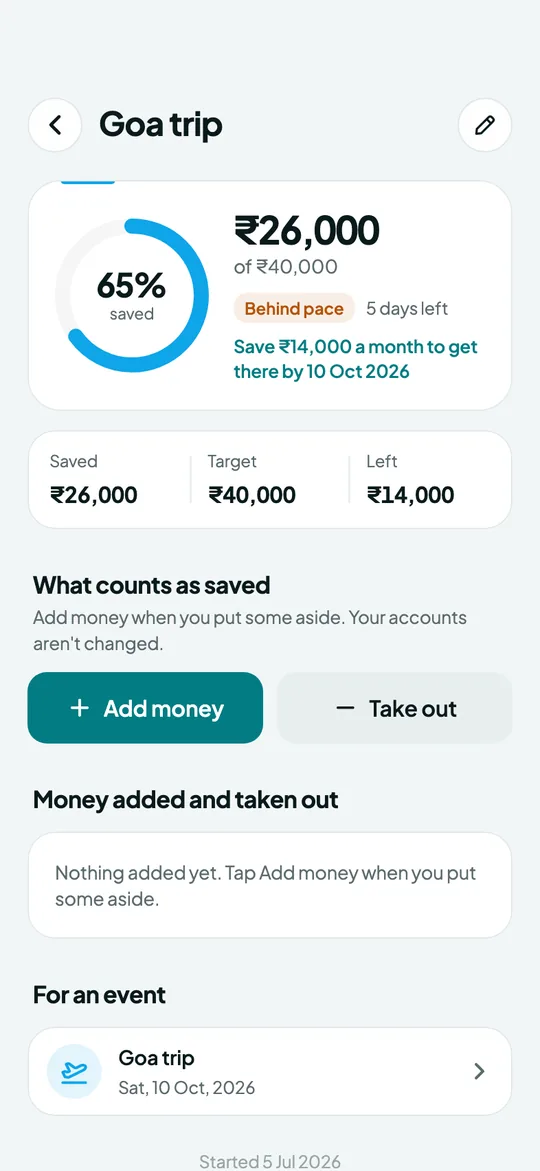
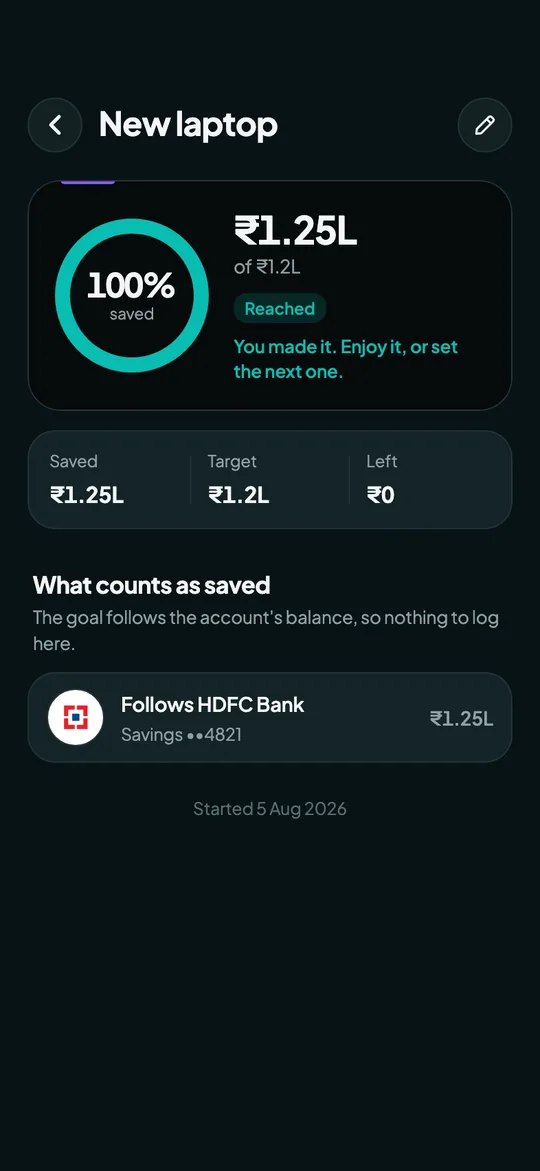
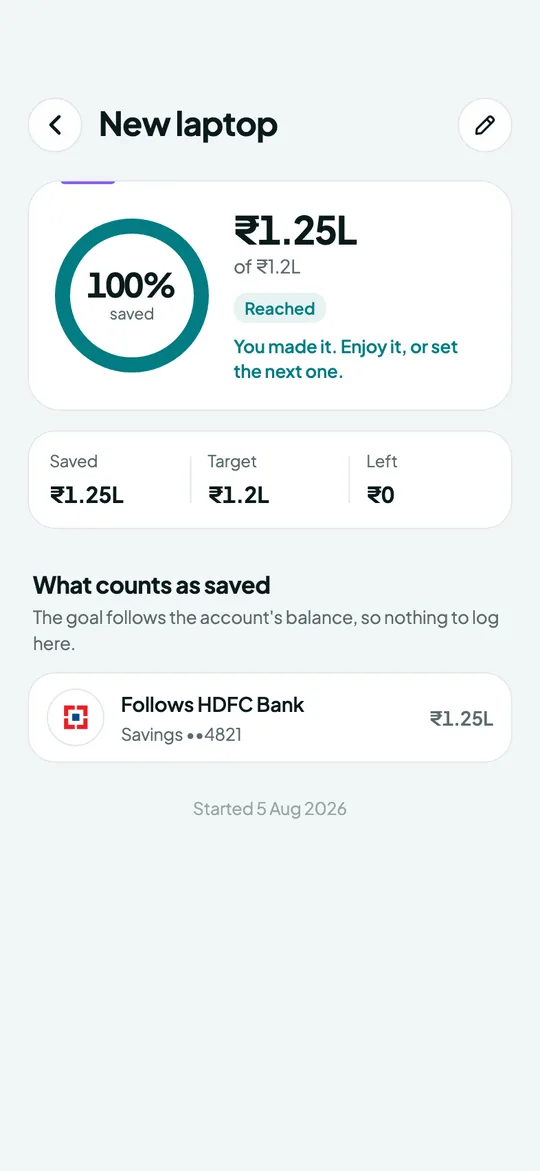
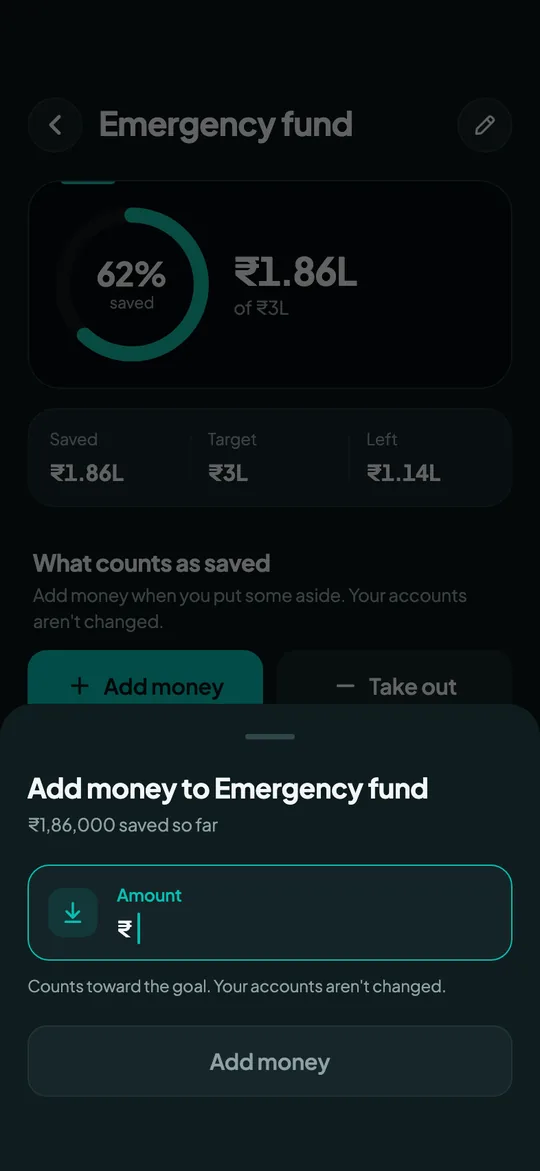
Progress at a glance
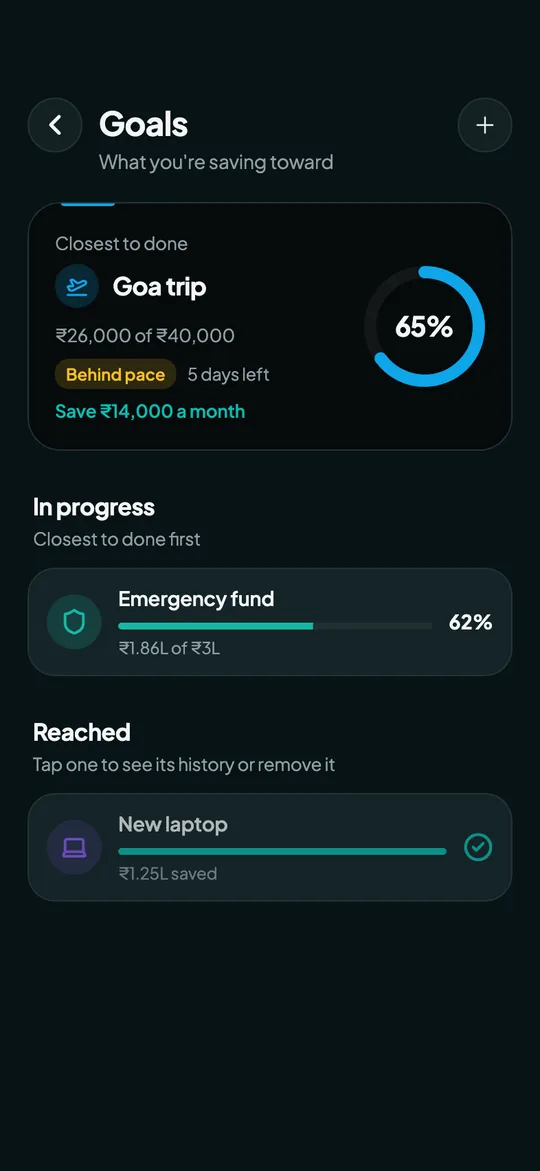
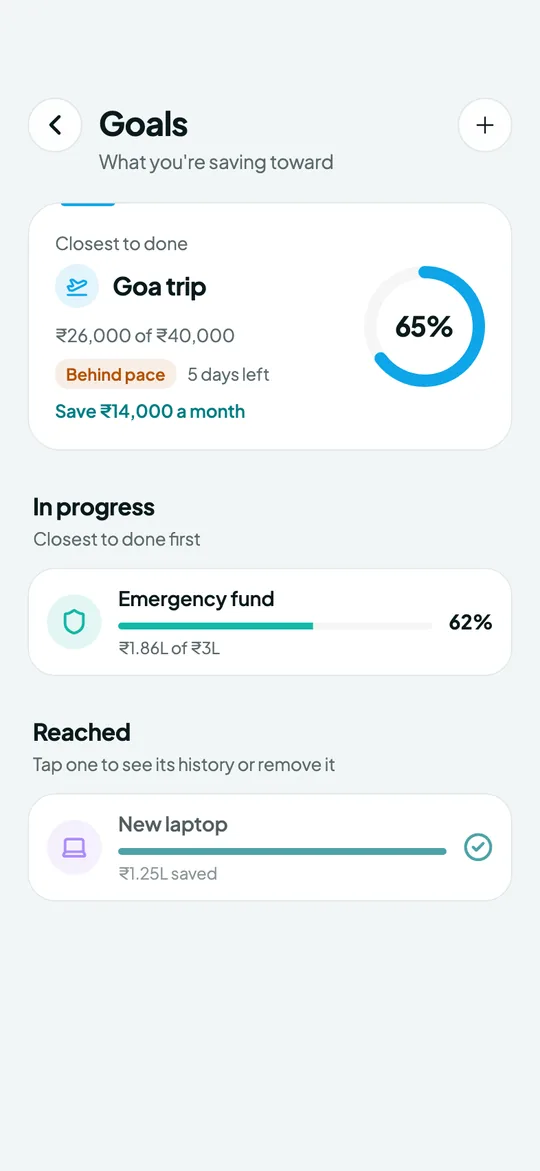
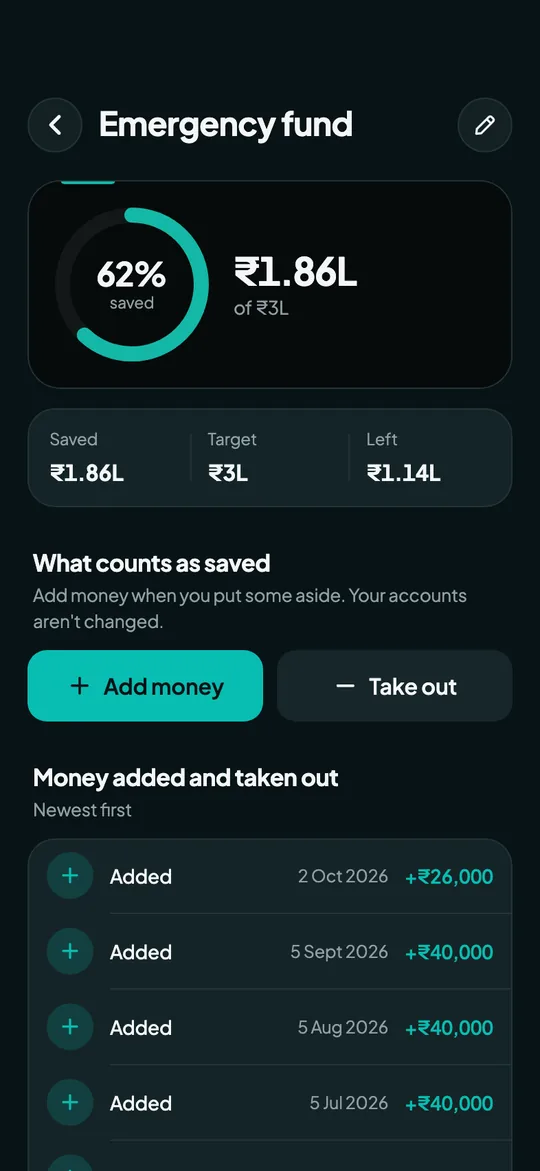
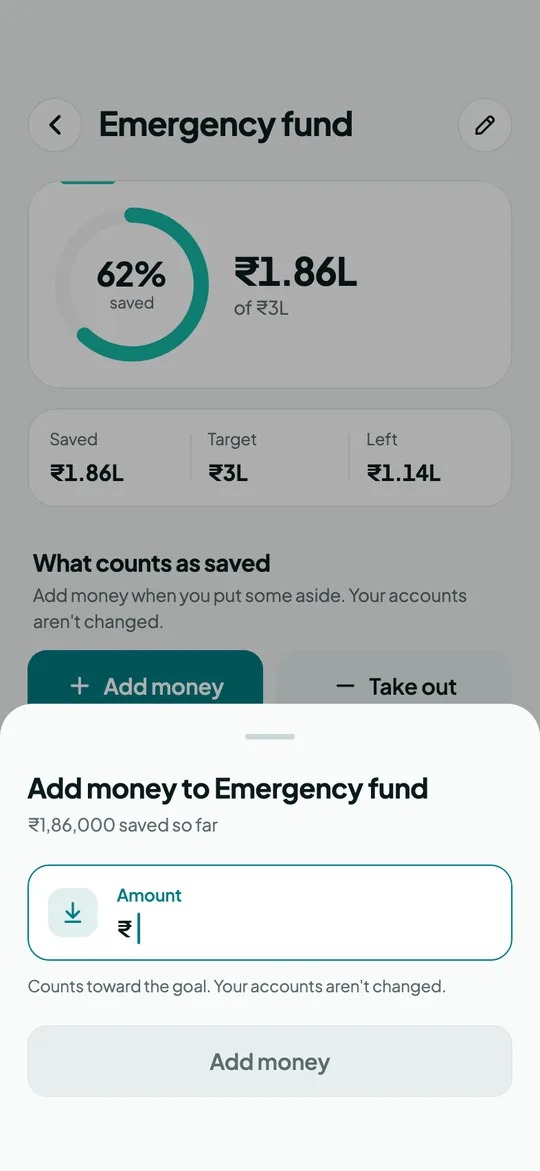
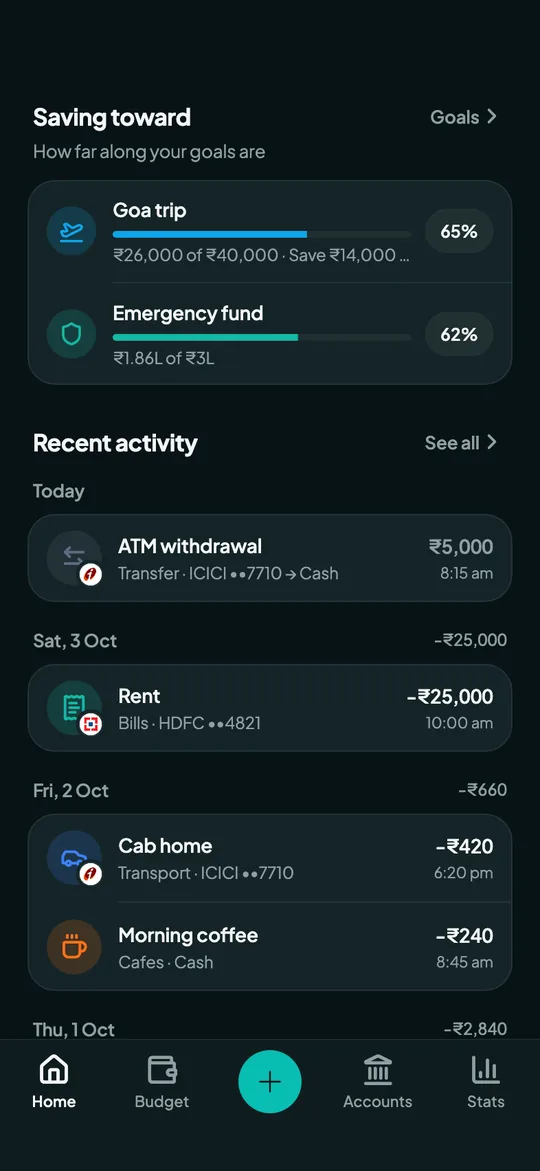
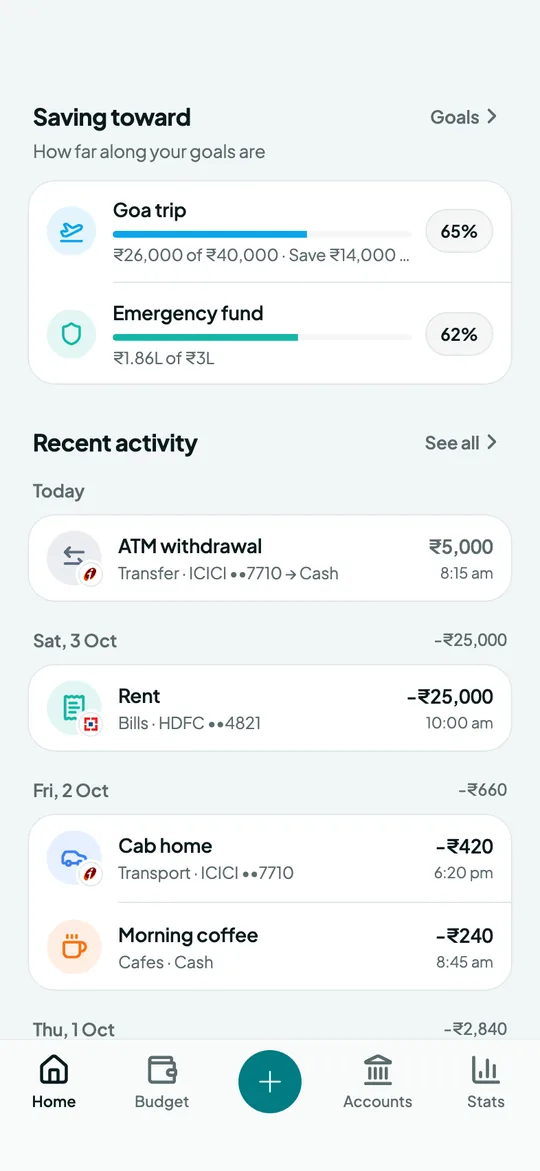
Every goal has a progress ring with what you've saved, the target and what's left. The one closest to done sits on top, and on your Home screen.
Count it your way
Add money by hand as you put it aside, and take it out again if you need to; every pay-in is kept as a history. Or link the goal to a bank, cash or investment account and it follows that balance.
Ahead, on or behind pace
Give a goal a date and Overvue works out what to save each month to get there, and whether you're ahead of, on or behind a steady pace from the day you set it.
Nudges along the way
Optional notifications tell you when you're halfway, three quarters of the way and there, plus a monthly nudge if a dated goal falls behind.
- Progress ring, saved, target and left
- Money added by hand, or a linked account's balance
- What to save each month to hit the date
- Ahead, on or behind pace
- Tie a goal to an event
- One goal free, unlimited with Pro
Frequently asked questions
What's the difference between a goal and an event?
A goal is money you're building up, like an emergency fund. An event is a date you're counting down to, like a trip. You can tie the two together, so the trip shows how much of it is saved.
Can a goal follow my savings account?
Yes. Link a bank, cash or investment account and the goal counts that account's balance as saved.
How many goals can I have?
The free plan keeps one goal. Overvue Pro has no limit.
Guides
More from Overvue


Net worth tracker
Track your net worth in one place. Overvue adds up your bank balances, investments and money lent, subtracts card debt and loans, and shows the trend over time.


Expense tracker
Log expenses and income in a couple of taps, see spending by category, compare with last month and track your savings rate with Overvue.


Budget planner
Set one monthly budget, add limits for the categories you want to watch, see what's left to spend per day and get a month-end forecast.


Loans, lend & borrow
Track loans and money lent to or borrowed from friends. Overvue counts them toward your net worth and shows when a loan will be paid off.


Credit card tracker
Keep credit cards next to your bank accounts, track card payments and see when each bill is due with Overvue.


Subscription tracker
Track every subscription in one place: see your monthly and yearly cost, what renews in the next 30 days, and get a reminder before each charge.


Event countdown
Count down to trips, birthdays, loan end dates and tax deadlines in Overvue. Yearly events roll over on their own, so you never miss one.


AI money assistant
Overvue AI answers questions about your money and writes short notes on your month, from your own data. Off until you turn it on; chats aren't stored.
Know where you stand.
Overvue is launching on iPhone and Android.